
Find contact details, type, VIP status, source, referral, tags and commercial details, plus notes and the five latest events.
Junk removal CRM
Keep every inquiry with the customer and the job
Keep contacts, locations, quotes, junk jobs, rentals and invoices in one customer record. Follow up with identified callers and contact-stage online inquiries without rebuilding their history.
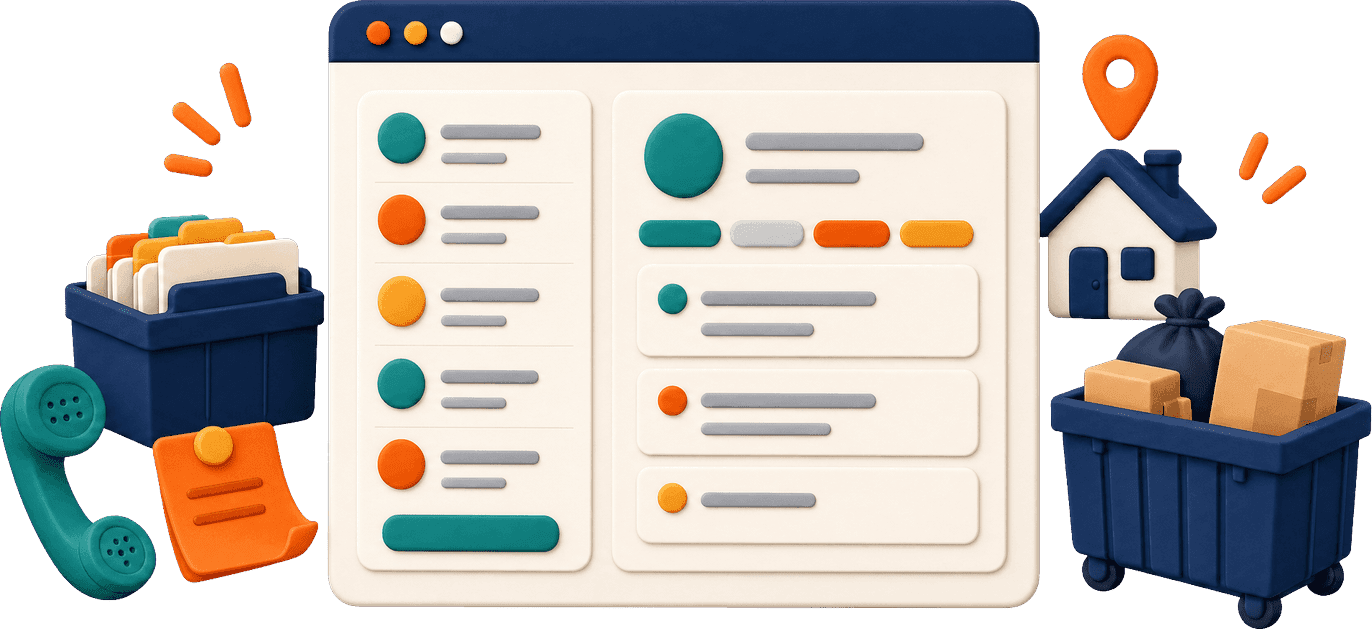
Track junk removal leads through to booking
Your Pipeline is the board where you track leads. See who needs a reply, a quote or approval before the job is booked.
Where leads come from
- PhoneNamed callers who don't book with your AI phone agent become Phone leads.
- Website and booking formSave the lead once contact details are entered, even if the booking is unfinished.
- Your officeUse New Lead to add an inquiry your team receives directly.
- Connected services and Google Local Services AdsBring in requests from Dumpsters.com and leads from Zapier. On Growth, bring ad leads into the same Pipeline for your office to handle.
Work the board
- StagesFollow New Leads, Quote Sent, Pending Approval, Booked and Engaging; see lost leads under Show Archived.
- Find the right dayFilter the board or step through one day at a time.
- Reply and approveReply by text or email after New Leads, and approve or reject dumpster requests.
- BookDrag a lead to Booked to create the job.
- CloseMark it Lost and record the reason.
Pick up where the last conversation left off
Click a customer to open their record. Payments, job count and average job value sit above five tabs for daily customer management.
Keep internal notes in one place, newest first, with the author and date shown.
See recent junk jobs and dumpster rentals, including the address, status and price.
Check lifetime payments, average invoice value, unpaid-balance warnings and recent invoices.
Save several addresses under one customer, including units and access codes, and see their past booking addresses.
Bring your customer list with you
Import a spreadsheet or supported data from Jobber, Workiz or Housecall Pro. Review what will change before you save.
Choose your data
Import customers from a spreadsheet. Supported system imports also include jobs, invoices, staff and trucks.
Match the columns
Recognized column headings help map the data to the right fields.
Check the preview
See which records will be created, updated or skipped before anything is saved.
Protect existing details
Matching records only fill blank fields. Each import saves all its rows or none.
Export when needed
Use Export CSV to take a copy of your customer data.
Keep the customer list useful as you grow
Find anyone fast
Search by name, email or phone. Filter Residential, Commercial or Unknown customers.
Add in seconds
Start with a name. Add a source and mark VIP or Do Not Service when needed.
Choose how updates go
Set email, text or both for each customer. Commercial customers can change this in their customer portal.
Commercial accounts
Save company details, billing contacts and PO numbers. Net 15, 30 or 60 terms set invoice due dates.
Scroll to compare
Automatic follow-up requires active business texting and customer permission. Texts follow your sending hours; overnight messages wait. See follow-up messages.
A full customer record on both plans
Starter and Growth both include the CRM, with unlimited users and trucks.
| Feature |  Starter |  Growth |
|---|---|---|
| Customer records and multiple locations | Included | Included |
| Pipeline and rental approvals | Included | Included |
| Import, export and duplicate merging | Included | Included |
| Customer portal | Included | Included |
| Standard lead and job messages | Included | Included |
| Quote follow-up and custom automations | Not included | Included; up to 25 custom texts and emails |
| Email campaigns | Not included | Included |
| Google Local Services Ads leads | Not included | Included |
Scroll to compare plans
Starter is $149/month and Growth is $299/month. There is no setup fee, and annual billing saves 20%. Payments processed through ScaleYourJunk carry a separate 1% platform fee; card processing fees are separate.
FAQ
Can one customer have several addresses?
Yes. Save multiple locations under one customer, with unit numbers and access codes. The record also shows addresses from previous bookings.
Can I move customers from Jobber or Housecall Pro?
Yes. The import supports Jobber, Workiz and Housecall Pro, along with spreadsheets. Match the columns and check the preview to see what will be created, updated or skipped before saving.
What about duplicate customers?
Use Merge and choose the details to keep. Jobs, invoices, leads, rentals, messages and notes move into the combined customer record.
Are new leads followed up automatically?
Both plans include a new-lead text about 10 minutes after an inquiry. Texts wait for your sending hours. Growth adds unfinished-quote follow-up and up to 25 custom text and email automations.
Does the phone agent add callers to the CRM?
Named callers who do not book become Phone leads. Call outcomes and summaries are recorded, and callback requests go to the callback list.
Can I contact all my customers at once?
On Growth, send an email campaign to customers with an email address, or choose a customer group. Email campaigns can reach up to 500 customers per send. Growth SMS campaigns are coming soon.
What does a junk removal CRM do for a new business?
Add customers as inquiries arrive, keep notes and job history together, and track leads from inquiry to booking. Import a spreadsheet if you already have a customer list.
Can I use this as a dumpster rental CRM?
Yes. The customer record includes dumpster rentals alongside junk jobs. Your office can review rental requests in the Pipeline and see rental invoices and saved locations.
Keep every customer's history together
Bring in your customer list and follow a new inquiry from its first call to the booked job. Monthly or annual plans. No setup fee.