
Container details
Name each box, such as D-001. Record its size—10, 15, 20, 30 or 40 yards—and add notes.
Dumpster rental software
Run deliveries, swaps and pickups alongside junk jobs. Keep the agreed rates with each rental and bill extra days and weight through the closeout workflow. Included on both plans.
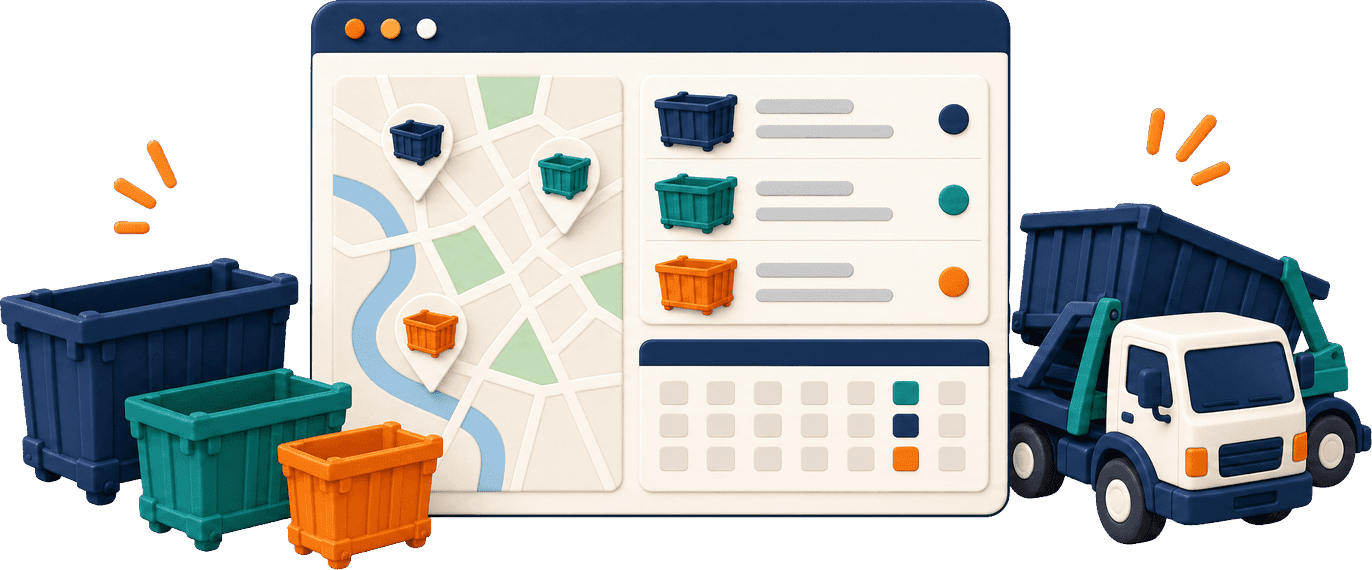
Track each container's ID, size, status and drop-off location in your roll-off dumpster software. Check the box before you book it.
Name each box, such as D-001. Record its size—10, 15, 20, 30 or 40 yards—and add notes.
See Available, Reserved, In Transit, Rented or Out of Service. Flag a full box or take a damaged one out of service.
Find the pin saved from the driver's phone at drop-off. It records placement, not continuous GPS movement.
Open a box's history to see its rentals and keep its record with the rest of your inventory.
When customers book online, availability is checked by size and rental dates. If a box is unavailable, they can see other sizes or the next available date.
Your dispatch board keeps rental work and junk pickups together, with Delivery, Pickup and Swap jobs clearly marked.
Set rental terms by size. Each booking keeps its agreed rates, including swap fees, same-day charges and discounts.
These are adjustable starting values, not recommended market prices. Base rent is collected at booking when a saved card is available. Otherwise, payment follows through the portal or at delivery. Swaps have separate invoices. Pickup records and final scale weight drive extra charges in dumpster rental billing.
A website, phone or office booking holds the box and sends the customer a confirmation email.
Your driver enters the container ID. Only the box booked for that rental is accepted.
The driver records a photo and phone location. The customer gets the delivery photo by email.
Record condition and known weight. Extra days and overweight charges go onto an invoice.
Add the scale weight after dumping. Charge the remaining balance or leave it on the invoice.
Confirm the return to make the box Available for another rental.
Customers use the customer portal to add 1–14 days, see the total first and move the pickup date.
Update a pickup from the office. Customers can ask for a change through the portal or by phone.
A customer's FULL text flags the box and alerts your office that it needs attention.
Your office gets an alert, and the customer receives a daily overdue text.
Record damage at pickup and mark the container Out of Service when it should not be rented again.
Send the reason by text when your team declines a rental request.
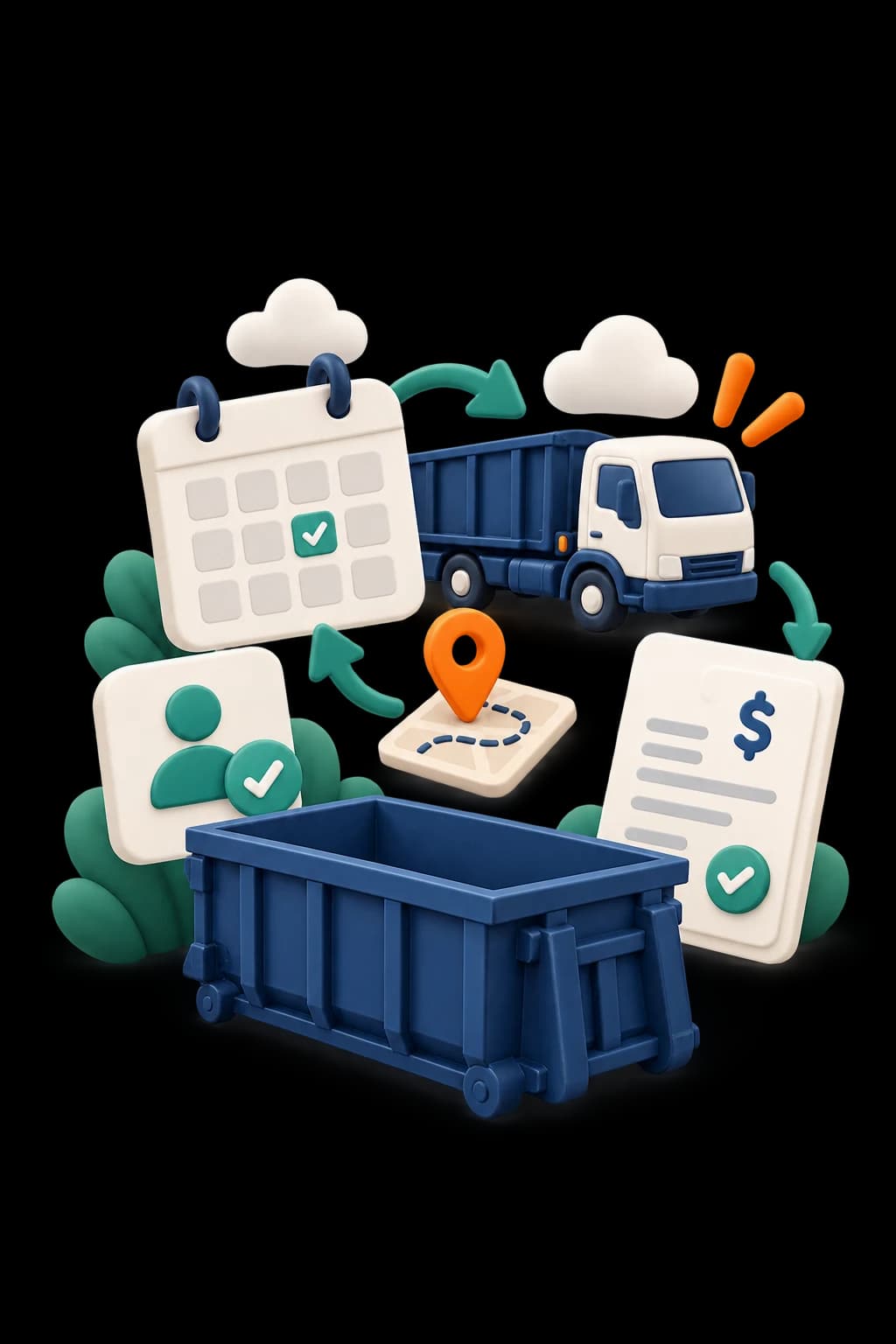
Customers choose size, debris and 7 days, 14 days or call when full. Available boxes can be approved; other requests wait.
Customers can book junk removal and a dumpster rental together, with the records linked.
Your AI phone agent checks stock, quotes your rental prices and takes booking, swap and pickup requests.
Renters check dates and status, request pickup or a swap, extend the rental and pay invoices.
Keep base rent, swaps and extra charges on their own invoices for a clear payment record.
Bring rental requests into your Pipeline as leads for the office to review.
Scroll to compare
Both plans include unlimited users and trucks, with no setup fee. See plan pricing and the 20% annual discount. Payments processed through ScaleYourJunk carry a separate 1% platform fee; card processing fees are separate.
It checks container size and rental dates. If a box is unavailable, customers can see another size or the next available date. Requests that need your review appear as Pending Approval.
Yes. The AI agent checks container availability and quotes your set rental prices during its coverage hours. It can also take swap and pickup requests.
Yes. The driver saves a photo and location at delivery. The map pin records where the box was placed; it is not a live GPS tracker attached to the container.
The rental keeps the terms agreed at booking. Extra days and weight create additional charges from pickup and dump records. Any remaining balance is charged to the saved card or left on an invoice.
Yes. Customers can add 1–14 days in the portal and see the total before confirming. The pickup date moves, an invoice is created and the saved card is charged.
It keeps container inventory, rental dates, deliveries, swaps, pickups and billing in one place. ScaleYourJunk connects those records with your office, drivers and customers.
Yes. Junk jobs and rental work share your schedule and dispatch board. Customers can book both services together, and each rental keeps its own dates, container and charges.
Walk through a booking, delivery, pickup and final bill using your containers and rental terms. Monthly or annual plans. No setup fee.