
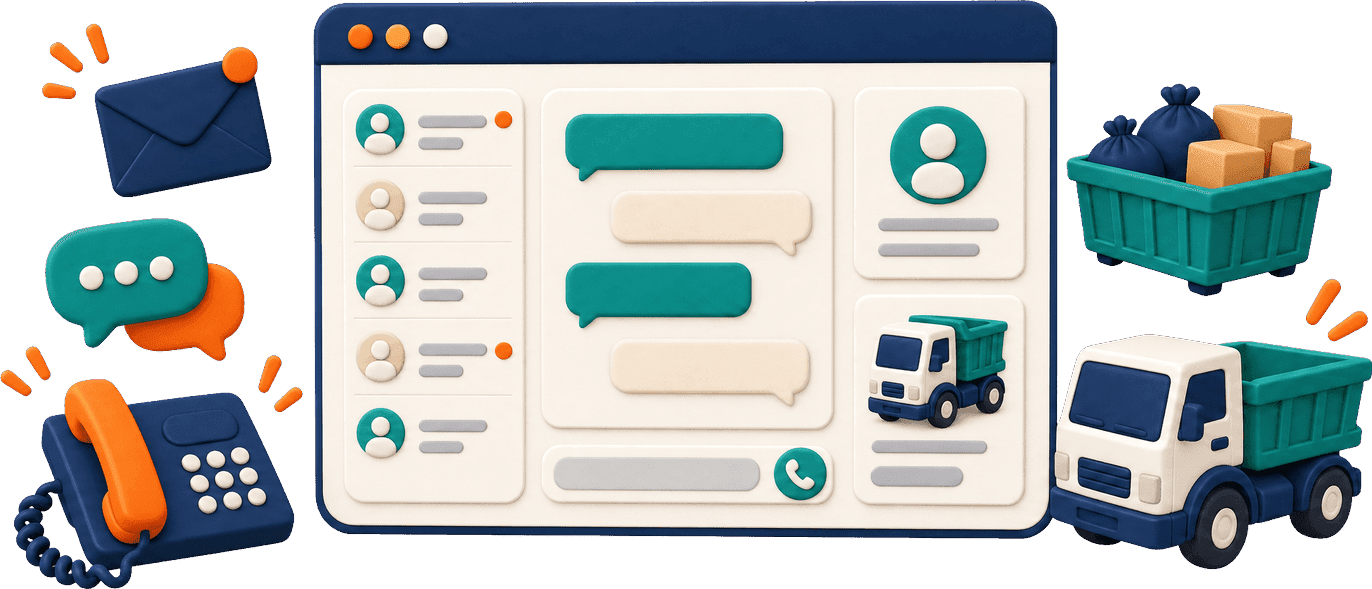
The main inbox for customer SMS and email threads: read, reply and check delivery.
Communications
Junk removal communications software that keeps replies connected to the work
“Can you pick up the dumpster tomorrow?” is easier to answer with the rental in view. SMS and email threads, a built-in VoIP phone, call records and callbacks sit beside the customer’s history.
Answering the message is only part of the work
Before replying you may need the booking, the right property or the invoice status. ScaleYourJunk puts those records beside the conversation.
40%
of US home-service owners name customer communication among their most time-consuming daily tasks
SourceJobber, 2026 Home Service Trends Report (opens in a new tab)

Work from Messages, Calls and the Callback Queue
Timing, duration, outcome, AI summary, transfers and links to the customer, lead or job. Recordings appear where available.
Due return calls stay visible. Staff make the call, mark it handled or reopen it.
Illustrative conversation
Handle a dumpster pickup request by text
“We’re finished with the dumpster at the Oak Street property. Can you collect it tomorrow?”
Step 1
Customer
The text arrives in Messages; staff check the rental and which property it’s for.
Communications
Step 2
Office
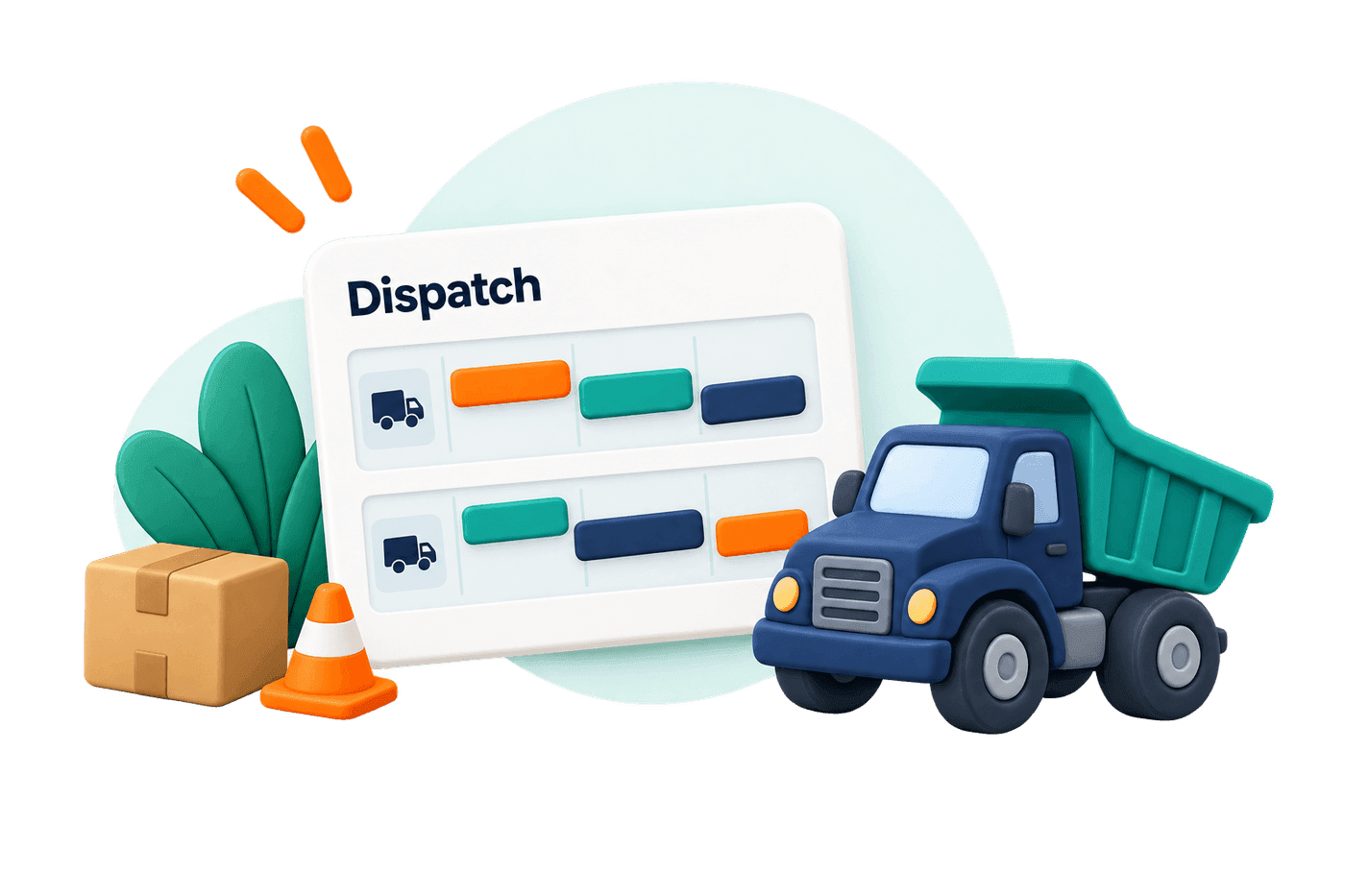
Staff check the rental’s status and arrange collection. The text alone doesn’t book a truck.
Dispatch
Step 3
Office
“Your pickup is scheduled for Friday. Please keep access to the dumpster clear.” Delivery status shows whether it arrived.
Communications
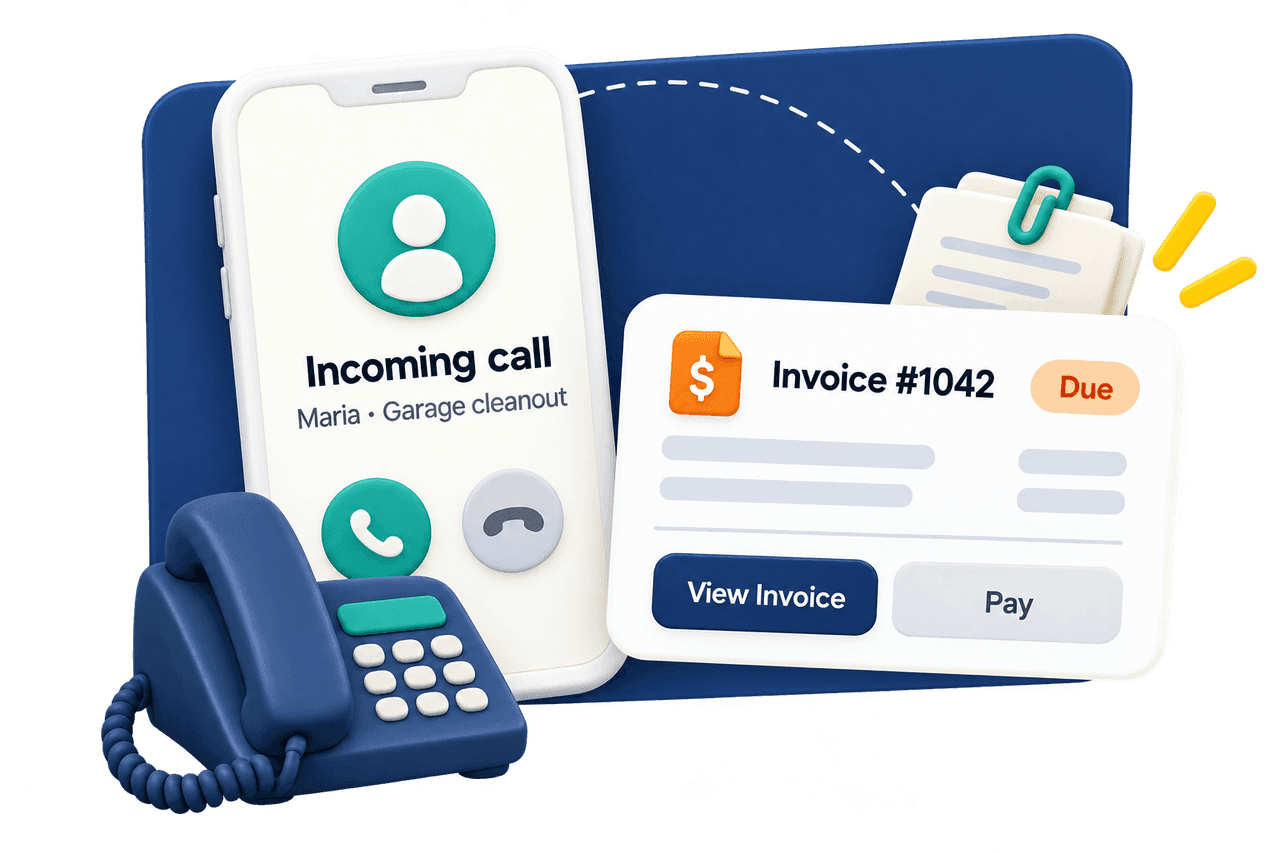
Business phone
Make and answer business calls with the account in view
Staff answer and place calls from the dashboard with your business caller ID, checking the invoice or job as they talk. After-hours callback requests land in the Callback Queue for a person to return.
Explore incoming calls and human handoffCustomer updates
Connect customer updates to the right event
SMS and email for hauling customers covers booking notices, reminders, schedule changes, job progress, rental events, invoices and receipts. Each message follows its event, your settings and the customer’s preferences.
Configure follow-up and review requests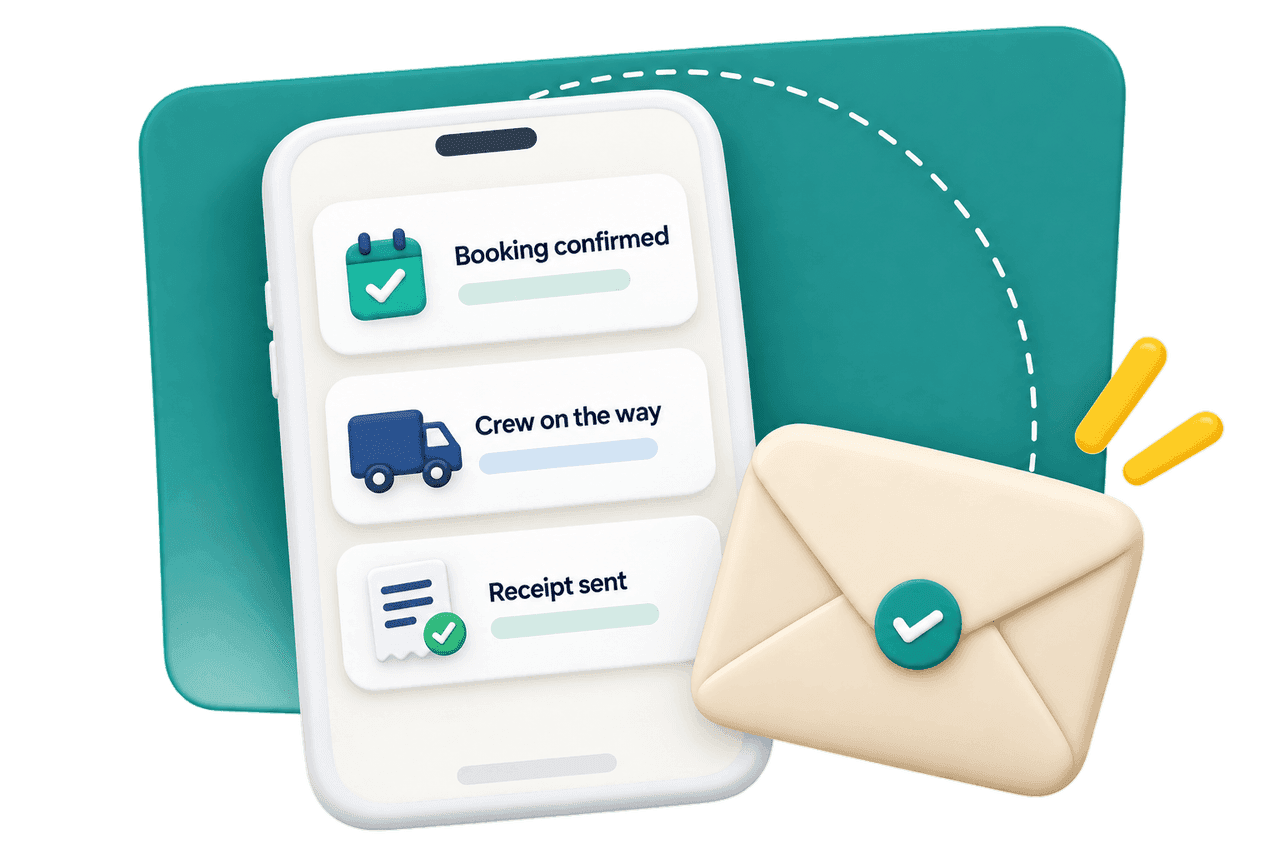
Setup
Set up the channels your office will use
Starter answers AI calls for up to 8 hours a day, at the times you choose; Growth offers configurable coverage, including 24/7.
texting
Activate business texting
Junk removal text messaging software needs service setup, registration, provider approval and customer permission where required.
mailbox
Connect your business mailbox
Authorize Gmail or a supported Outlook mailbox so email threads sit beside texts.
phone
Prepare staff to answer
Phone setup, internet, microphone access, and a rule for who answers first.
Carry the conversation through to an action
Review the conversation, make the arrangement and tell the customer what happens next.
Working alone
A call summary or saved message gives you context when you’re back from a job.
Running 3–10 trucks
The office turns a pickup question into scheduled work and answers billing questions from the invoice.
FAQ
Can I see junk removal calls, texts and emails with the customer record?
Communications brings together SMS and email threads and available call details, with call links to the associated customer, lead or job. The connected records provide the work and account context. Use Messages as your main reply inbox, rather than assuming a lead’s conversation panel shows the full incoming history.
Can a customer request a dumpster pickup by text?
Yes, with business texting active, staff can receive the message, review the rental and arrange the appropriate next step. The text itself does not automatically schedule collection. Confirm the pickup arrangement after the office has checked the rental and schedule, and give the customer a clear reply.
How do we assign callbacks and customer replies to staff?
Make follow-through the responsibility of a named person on your team. Staff can review due tasks in Callback Queue, use the dashboard phone to return the call and mark the task handled or reopen it. For texts and emails, the responsible person reviews and replies in Messages. The queue supports the task; your office decides who will act and checks that the conversation has been handled.
Will the AI make the callback for us?
No. The agent can save a callback request for staff, including a number, reason and agreed future business-hours time. A person makes the outgoing call. This also gives that person an opportunity to review a disputed bill, unusual request or other matter that needs judgment.
Can we start texting as soon as we get a business number?
Texting has its own service configuration, registration, approval and consent requirements. A configured phone number does not establish texting readiness. Set up the service and appropriate permissions before relying on SMS for customer updates; delivery information then helps staff identify messages that need attention.
What do staff need for dashboard calls, and are calls recorded?
Authorized staff need active phone setup, internet access, microphone permission and a microphone with speakers or a headset. Outgoing calls use the configured business identity. Calls shows available history and outcomes, with summaries and recordings where available; a complete recording or transcript is not guaranteed for every conversation.
Handle the next pickup question with the job in view
Give staff the conversation, the customer context and a clear next action.
IncludedVoIP business phone
24/7AI coverage option on Growth
Keep exploring
- 01See the records behind the conversation
Locations, jobs, rentals and billing
- 02Choose your incoming phone coverage
Phone agent, office answering and handoff