
Earnings, cost, profit and margin, overdue balances and customer metrics, broken down by truck, service and customer type.
Reports
Junk removal reporting software for the decisions behind a busy day
A full schedule says there’s work. Financial, operations, labor and marketing reports in the same system show what it earned, which costs were recorded and where the next customer came from.
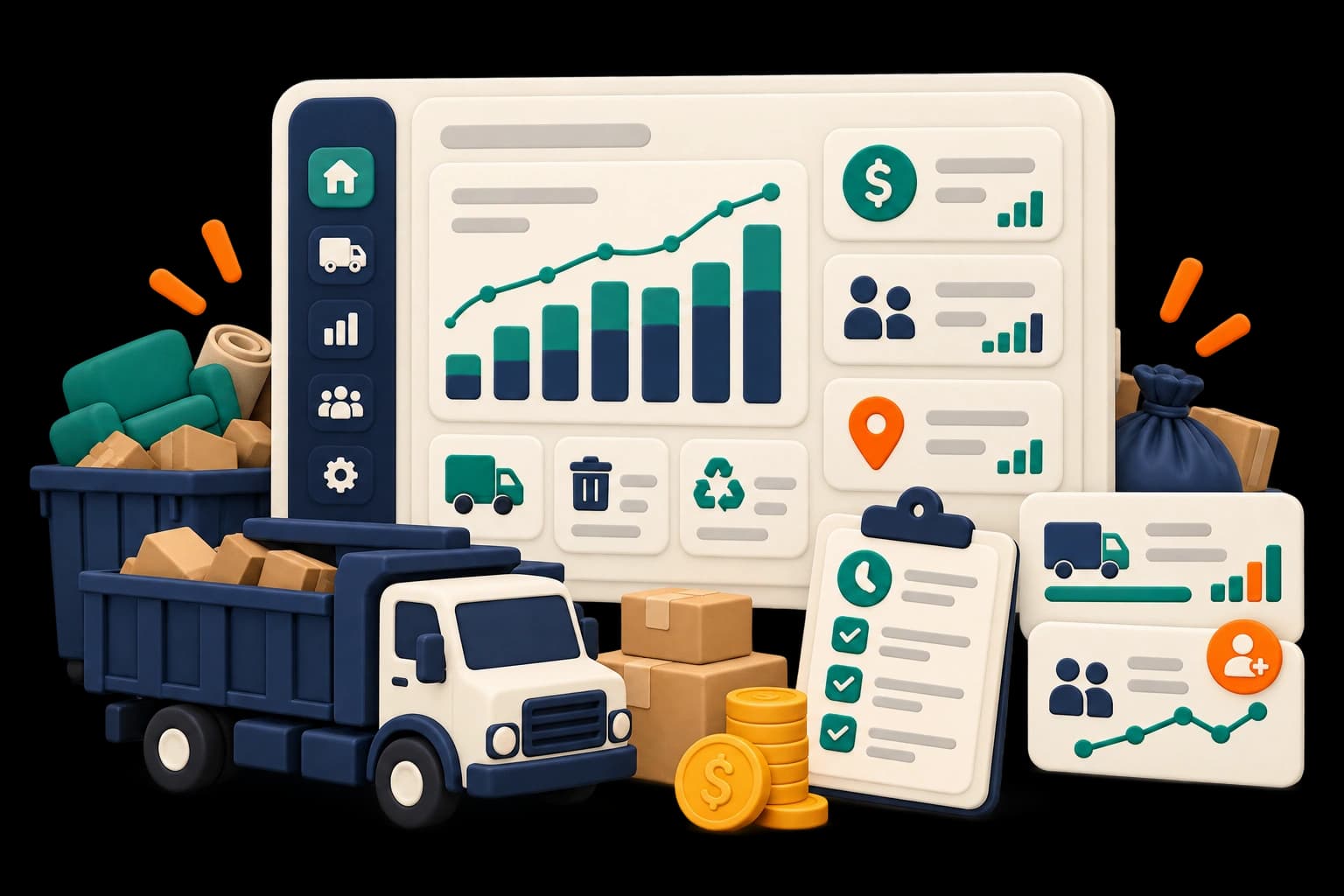
When the business gets busier, the questions get more specific
A strong week can still leave invoices unpaid. Separate views of money, work, labor and incoming interest connect each result to the records behind it.
45%
of small-business owners and executives cited inadequate reporting and analysis as an app challenge
SourceIntuit QuickBooks, 2024 Business Solutions Report (opens in a new tab)

Illustrative weekly review
Start with one question, then follow the records
Step 1
Choose the period
Pick a preset or custom period and review earnings, recorded costs and unpaid balances, checking for incomplete figures.
Financials

Step 2
Look at the work behind the result
Break down by truck or service, then check completed work, durations and arrival performance.
Operations
Step 3
Check labor and expense inputs
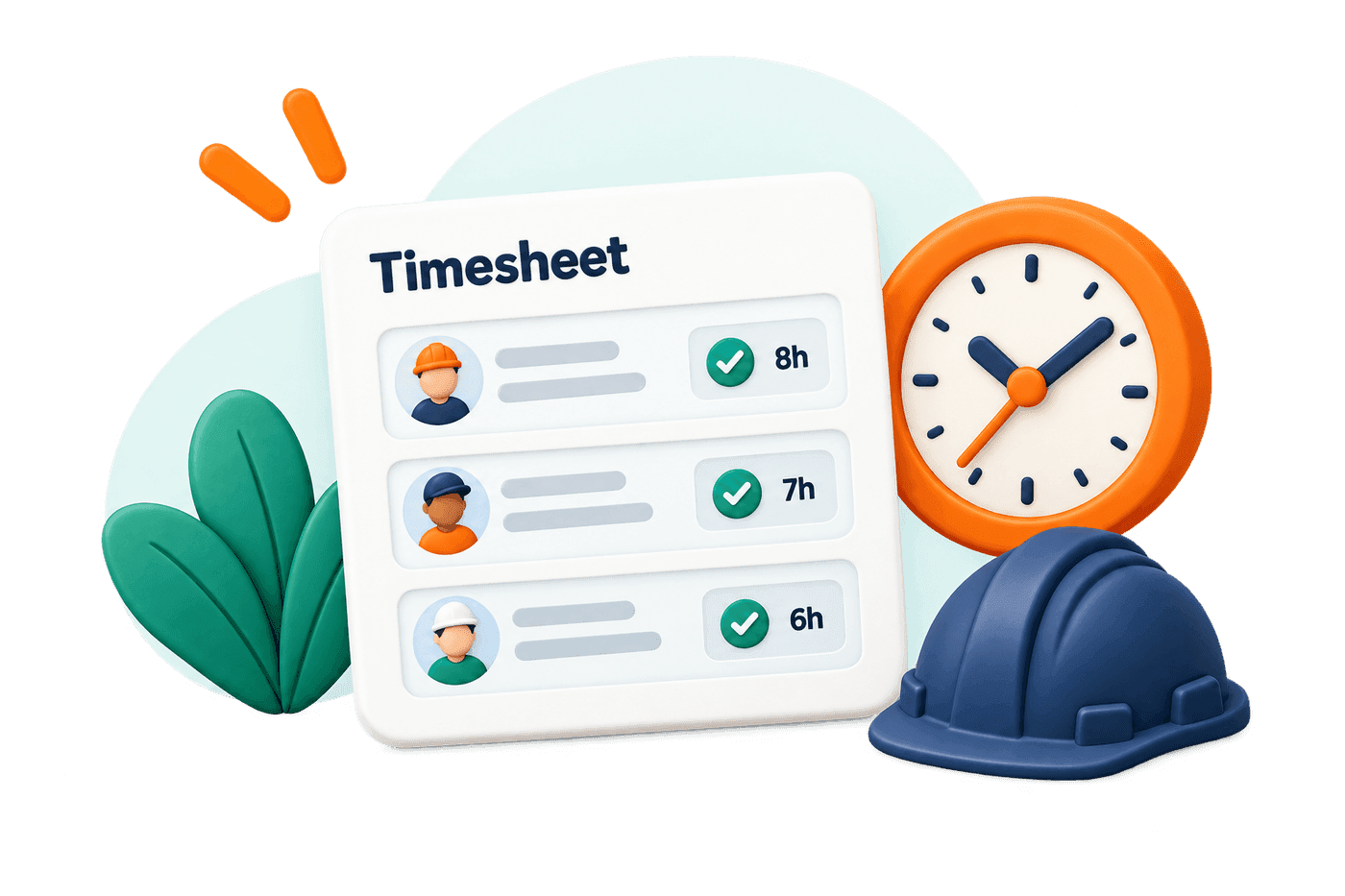
Review hours and labor cost, and chase missing shifts, disposal records or expenses.
Labor
Step 4
Return to the next sale
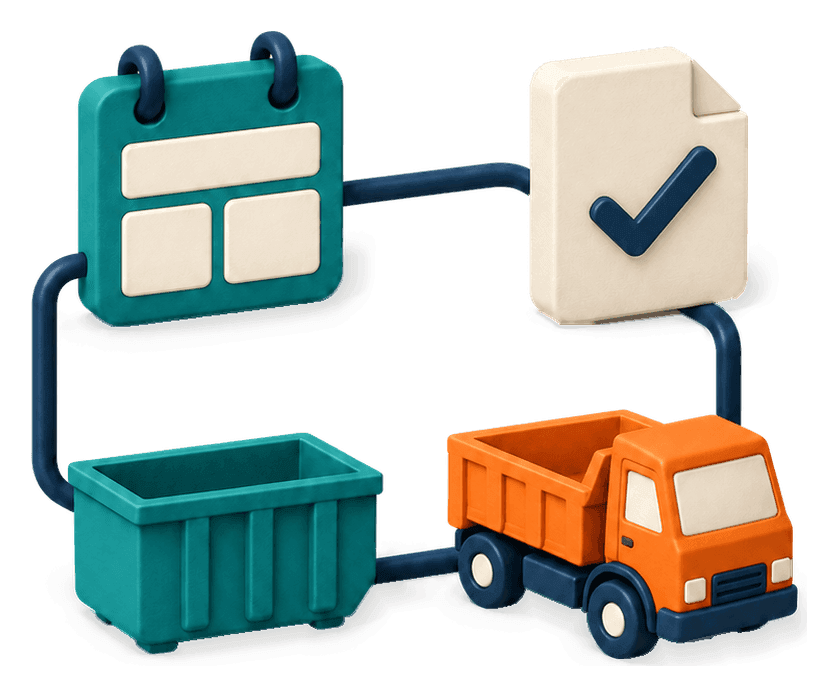
Review lead progression and source results to see where inquiries stall.
Marketing

Solo operators connect finished jobs to inquiries still waiting; owners of 3–10 trucks compare trucks while checking what explains the difference.
Know what each report is measuring
Scheduled and completed work, durations, arrival performance, route efficiency, truck productivity, cancellations and incidents. Missing data isn’t a measured zero.
Hours, hourly and salaried costs, overtime, productivity, time off and pay summaries, plus expenses by job, truck and category.
Source and booking channel kept separate, with lead progression, lost leads, reviews and repeat business. These junk removal business analytics show which inquiries became work.
Phone outcomes, website lead activity and messages, plus Google Analytics traffic through a connected property.
Financials
Keep the financial stages separate
Review invoices and collect paymentsService earnings
The recorded earnings associated with service activity
Earnings and cash received can fall in different periods.
Cash received
Money collected through recorded payment methods
Deposits and partial payments may arrive before work is complete.

Invoice balance
The amount still due after recorded payments and adjustments
The original invoice total may be larger than the remaining balance.

Aging
Unpaid balances grouped by how overdue they are
A newly issued invoice needs different follow-up from a long-overdue balance.

Recorded costs and labor
The expense and labor inputs available to explain the work
Missing expenses, staff information or shifts can leave the picture incomplete.

Bank payout
A transfer from the payment service to your bank
Collecting a customer payment and receiving a bank payout are separate events.

Deposits, tax, refunds and timing can explain differences between totals. Read any incomplete-data notice before treating a gap as an error.
Job contribution
Understand job contribution before calling it profit
If you’re comparing job profitability software for junk removal, start with the costs behind the result. Revenue less direct costs isn’t final profit.

One job
- Revenue
- $700
- Disposal
- −$90
- Labor
- −$180
- Fuel
- −$30
Contribution$400before other overhead
Assumed figures, not a report result. Insurance, vehicle costs, repairs, office, software and payment fees aren’t included.
Context
Keep estimates, truck fullness and rental results in context
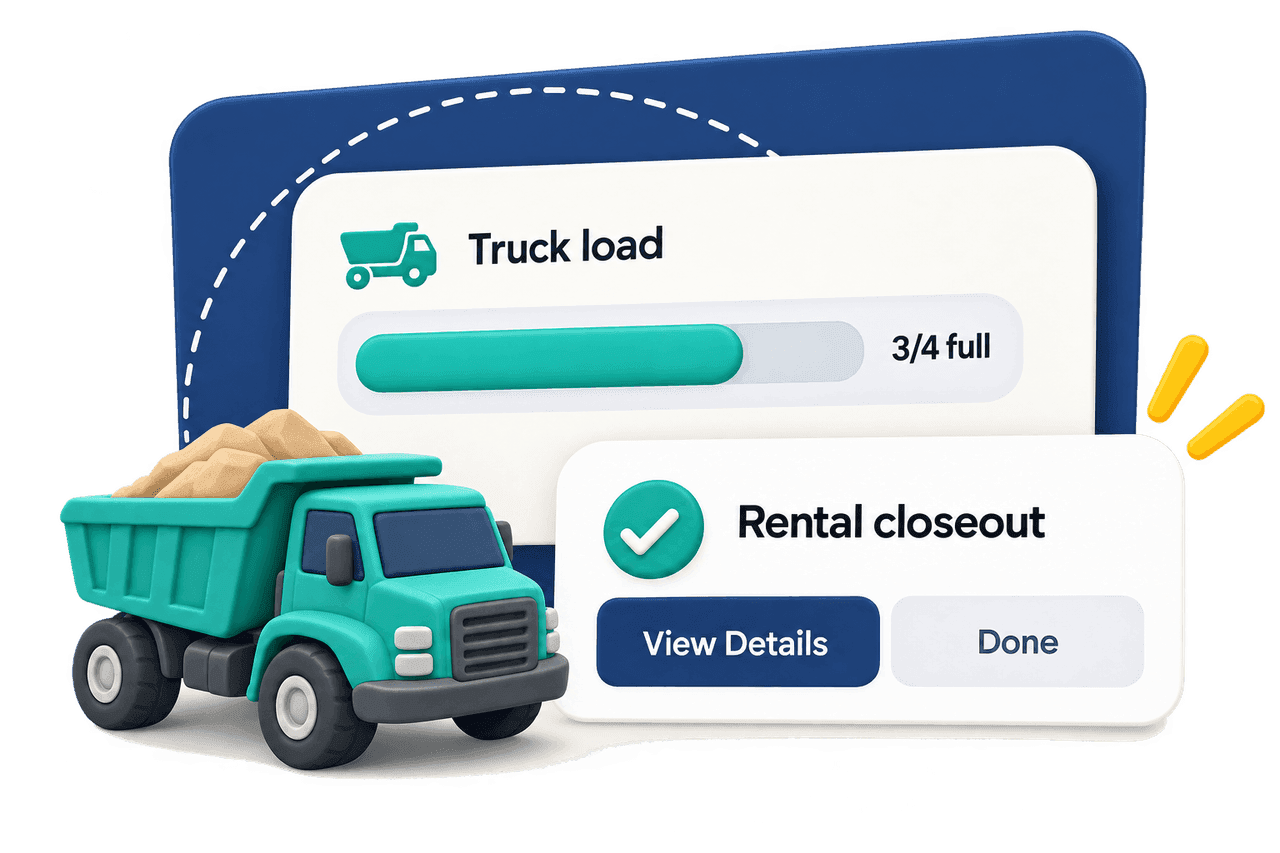
A reported truck fullness can include earlier stops, so it isn’t a per-job volume check. For owners evaluating dumpster rental reporting software, reservation, delivery, pickup, disposal and closeout are separate stages.
Service estimates and price rulesPeriods and exports
Choose a period and use the available exports
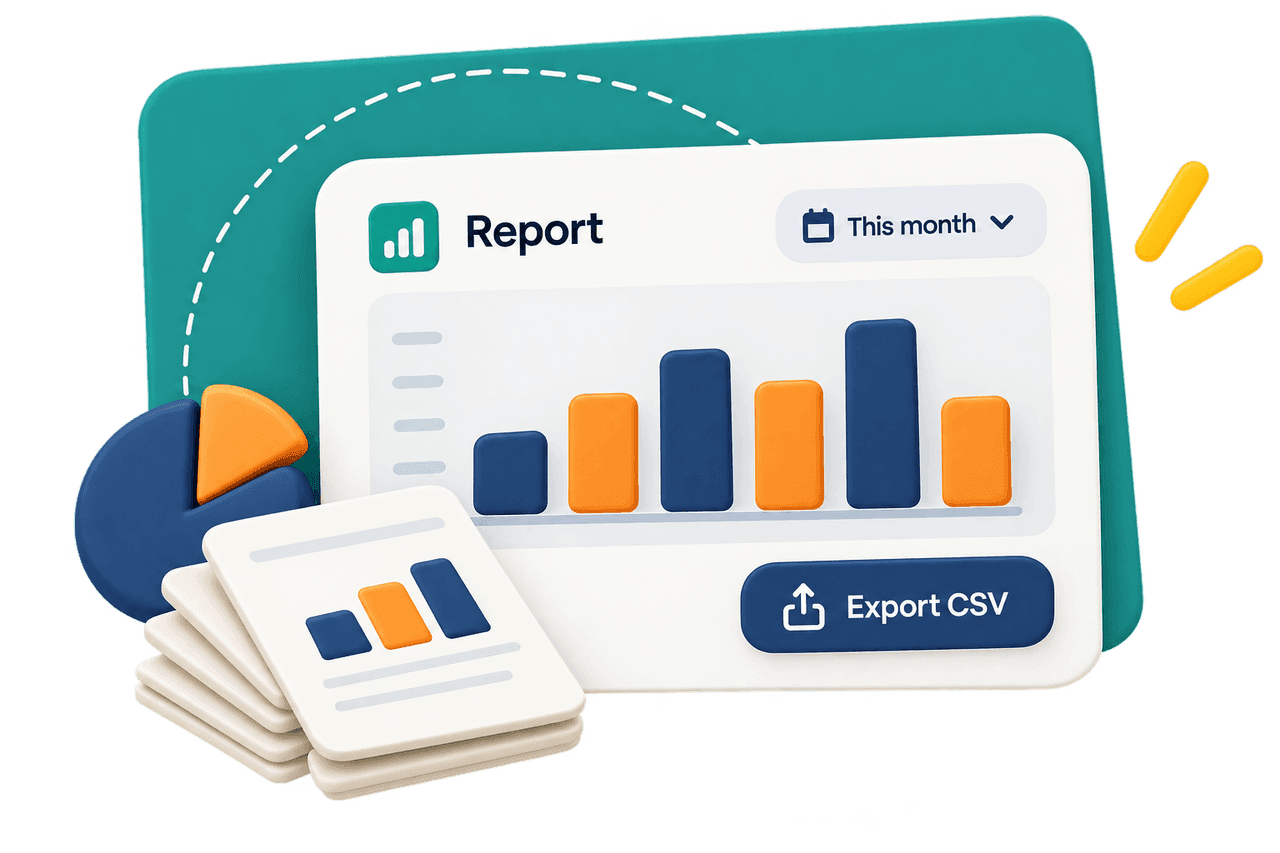
Use date presets, custom periods and exports. Keep date ranges consistent when comparing views, and keep the period and any incomplete-data notice with exported numbers.
Next actions
Turn the review into a useful next action
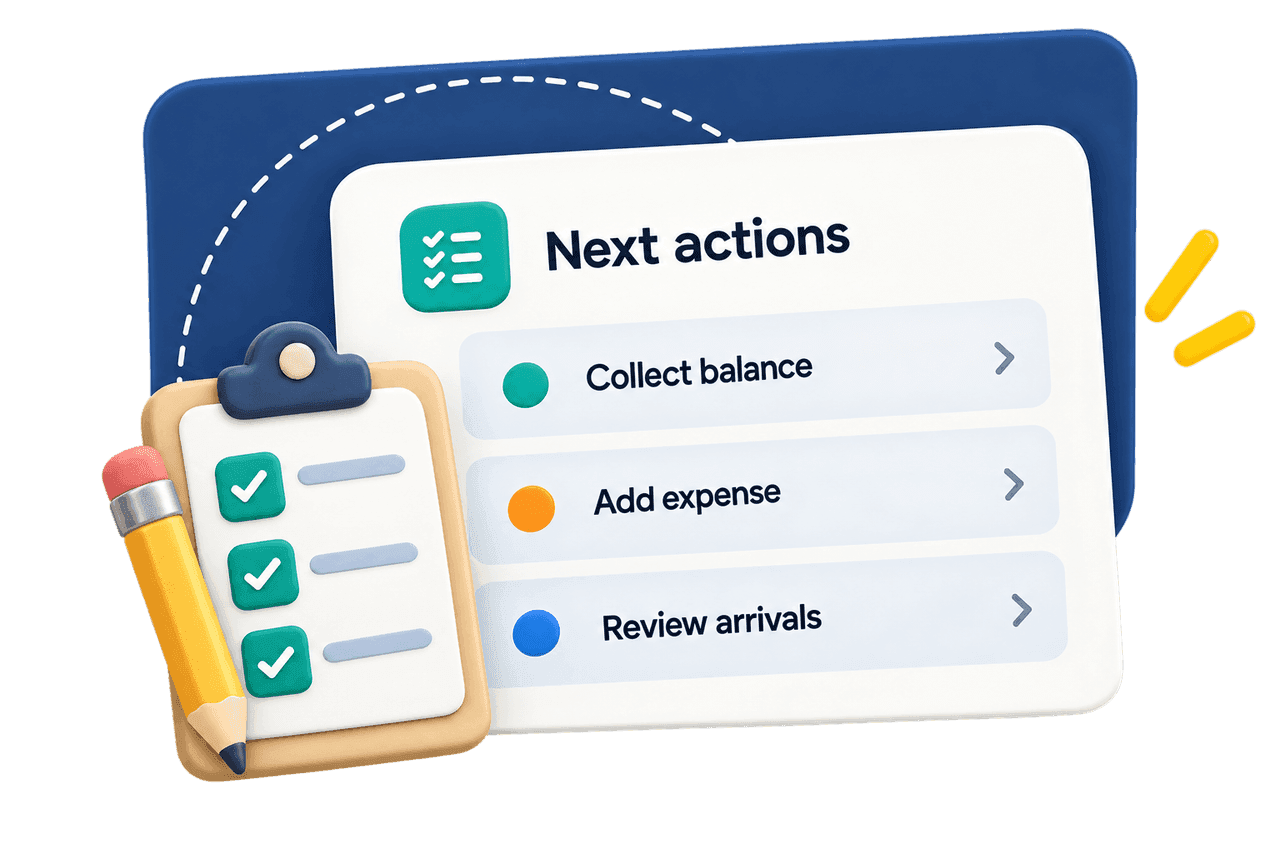
An overdue balance leads to collection, missing expenses to a crew conversation, arrival patterns to the next dispatch review. You bring the judgment; the records bring the evidence.
How shared operating records connectFAQ
Can I see revenue and recorded costs by truck?
Financials includes truck breakdowns for reviewing recorded results, and expenses can be associated with trucks. Compare the relevant period and check whether the expense and labor inputs are complete. A truck with higher revenue may also have handled different work, so use Operations for context before judging its performance.
How can I track disposal and labor costs by junk removal job?
Use the job’s associated expenses and the relevant labor records. Confirmed disposal creates an expense record that can contribute to job or rental financial records; Labor uses staff setup and recorded hours to report labor costs. Check job associations and how shared costs are attributed before combining them. Do not assume every shift or truck expense has automatically been allocated to one job.
How do I measure booked revenue by lead source?
Use Marketing to review recorded lead progression and source-associated bookings and revenue. Keep the customer’s source separate from the channel they used to book, and keep booked revenue separate from money collected. The association helps you inspect your sales pipeline; it is not proof that one ad, text or website visit caused a booking.
Why do service earnings, payments and bank payouts differ?
They describe different financial events. A deposit can arrive before service, a customer can pay an invoice in parts, and a payment provider can transfer funds after collection. Tax, refunds and other adjustments also affect the comparison. Review the relevant records and dates before treating the totals as interchangeable.
Can I compare estimated volume with the actual load from each job?
The online load guide helps a customer describe the job for an estimate. The driver’s later fullness update describes the truck’s cumulative load, which can include other jobs. Those records have different meanings and should not be presented as an exact per-job volume variance. Use the onsite assessment and price agreement when reviewing the original estimate.
Can I choose dates and export report data?
Yes. Reports includes date presets, custom periods and available exports. Use the options available for the report you are reviewing and preserve the meaning of its measures when sharing the data. Website metrics also require a connected Google Analytics property with data collection.
Are the profit figures my complete business profit?
They depend on the revenue, costs and labor recorded in the system. ScaleYourJunk does not automatically know every expense your company incurs. Check incomplete-data notices and include missing costs and overhead before treating a reported profit or margin measure as the full financial result of the business.
Give the next business decision a clear starting point
See how the inquiry, assignment, field record and invoice connect before deciding which result to investigate.
$149/moStarter
$299/moGrowth
Keep exploring
- 01Explore the connected platform
From incoming interest to financial review
- 02Review the billing workflow
Invoices, payments and outstanding balances